Real-time guidance
Device sessions and motion exercises with live feedback — so you know you are doing each movement correctly at home.
PhysioTech CARE
A complete browser-based platform for your home rehabilitation. Your clinician prescribes a care plan; you follow guided device sessions, motion exercises, and education on any phone, tablet, or laptop. No app store download required.

Your daily companion
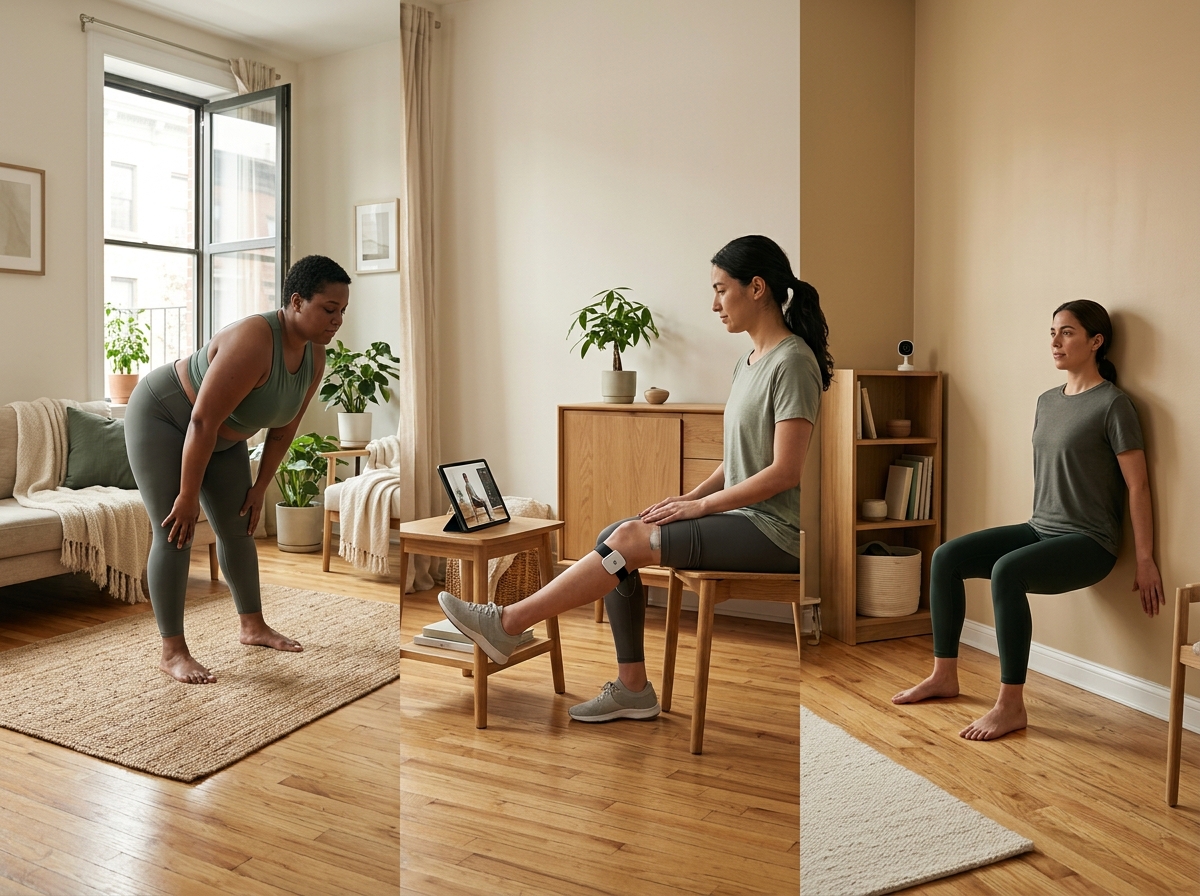
Step-by-step support for device programs, motion exercises, and education — in the rooms where you actually recover.
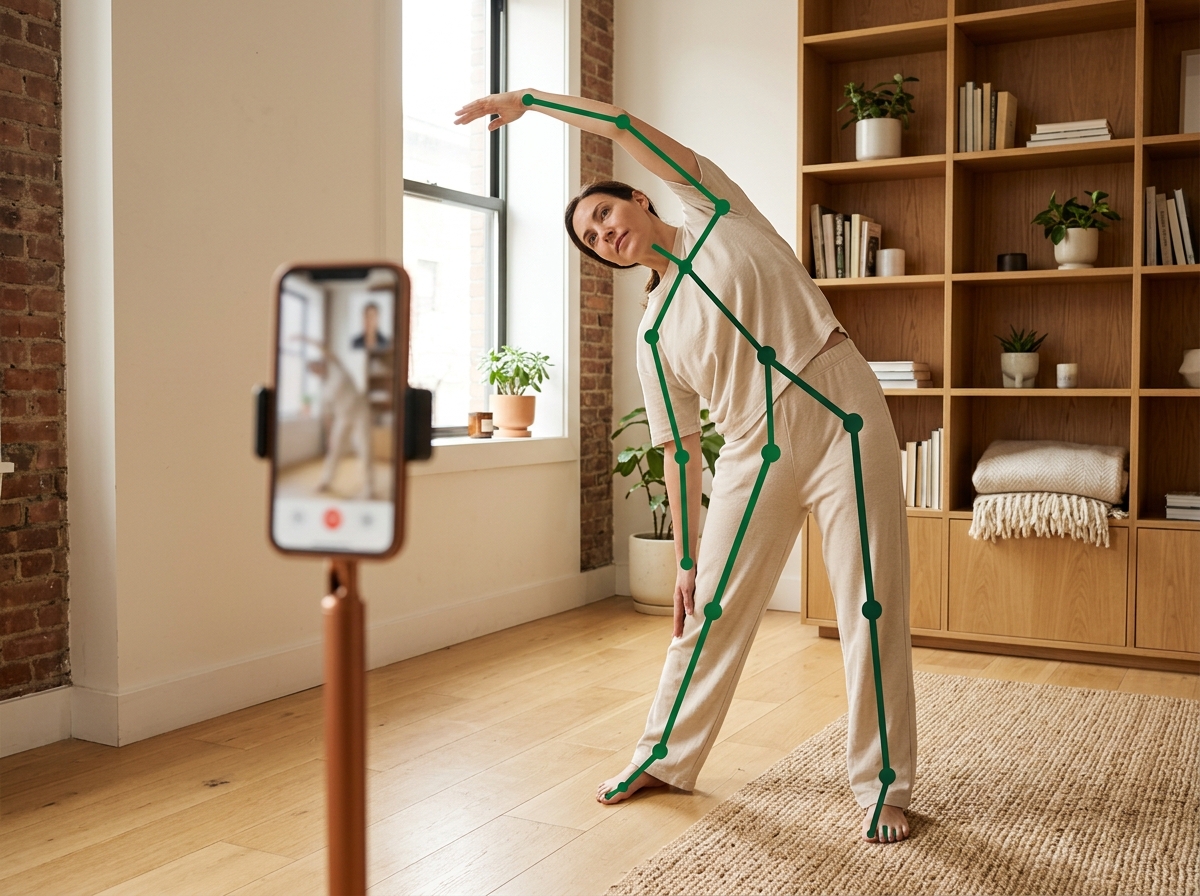
Device sessions and motion exercises with live feedback — so you know you are doing each movement correctly at home.
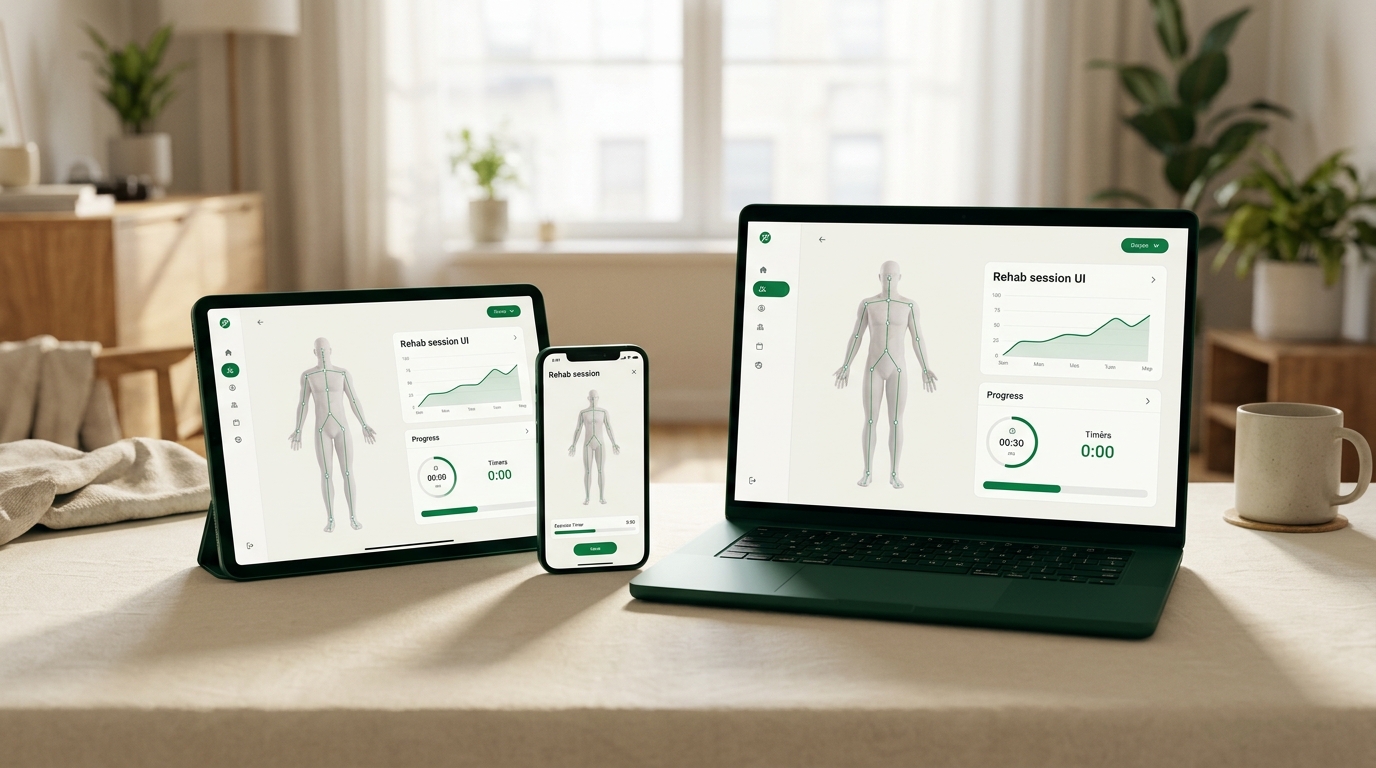
Runs in the browser on iOS, Android, and Windows. Use your phone, tablet, or laptop — no special hardware for motion tracking.
See exactly what to do today: which exercises, which device program, which short education piece — based on the plan your clinician built.
Something hurts or feels off? Flag it in the app so your clinician can adjust before your next Tele Rehab visit.
Care plan templates
Your plan is not a PDF emailed once and forgotten. It is a living sequence of activities your clinician assigns and updates remotely.
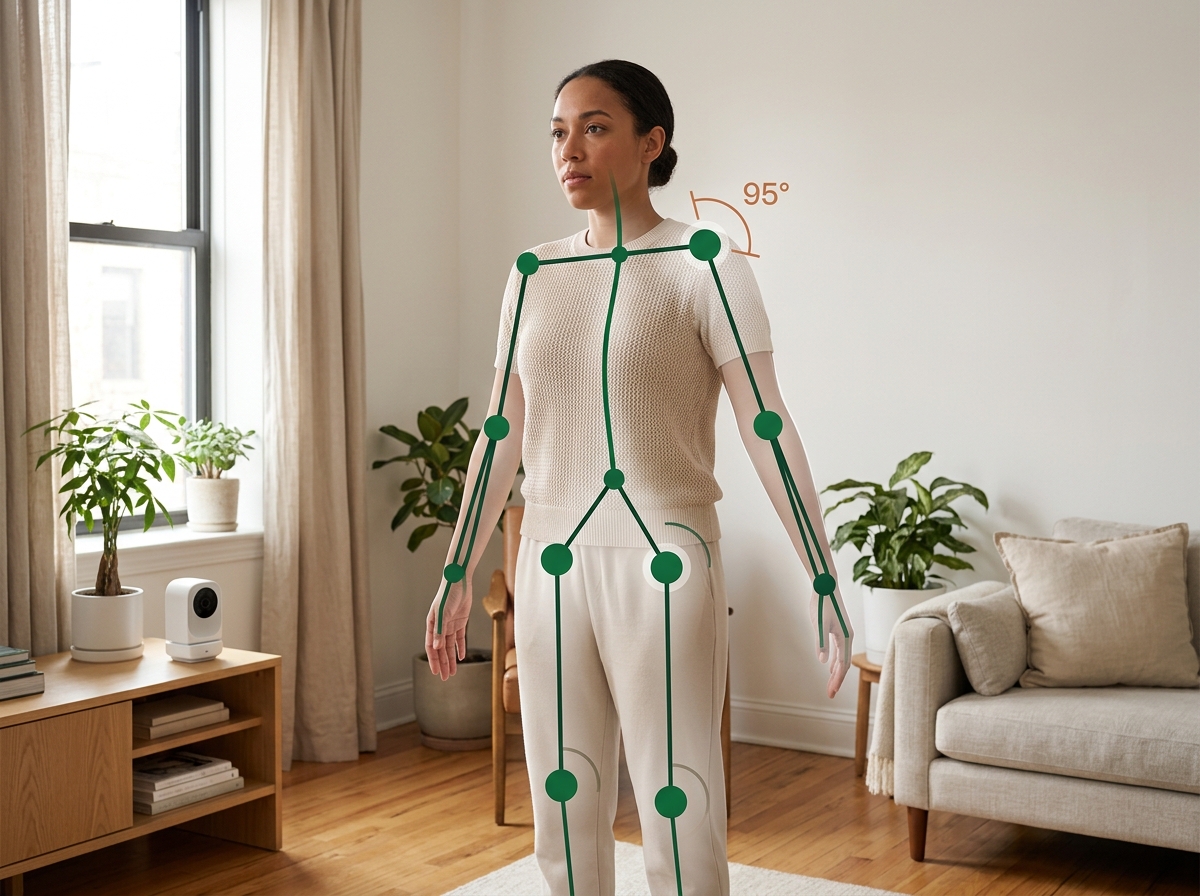
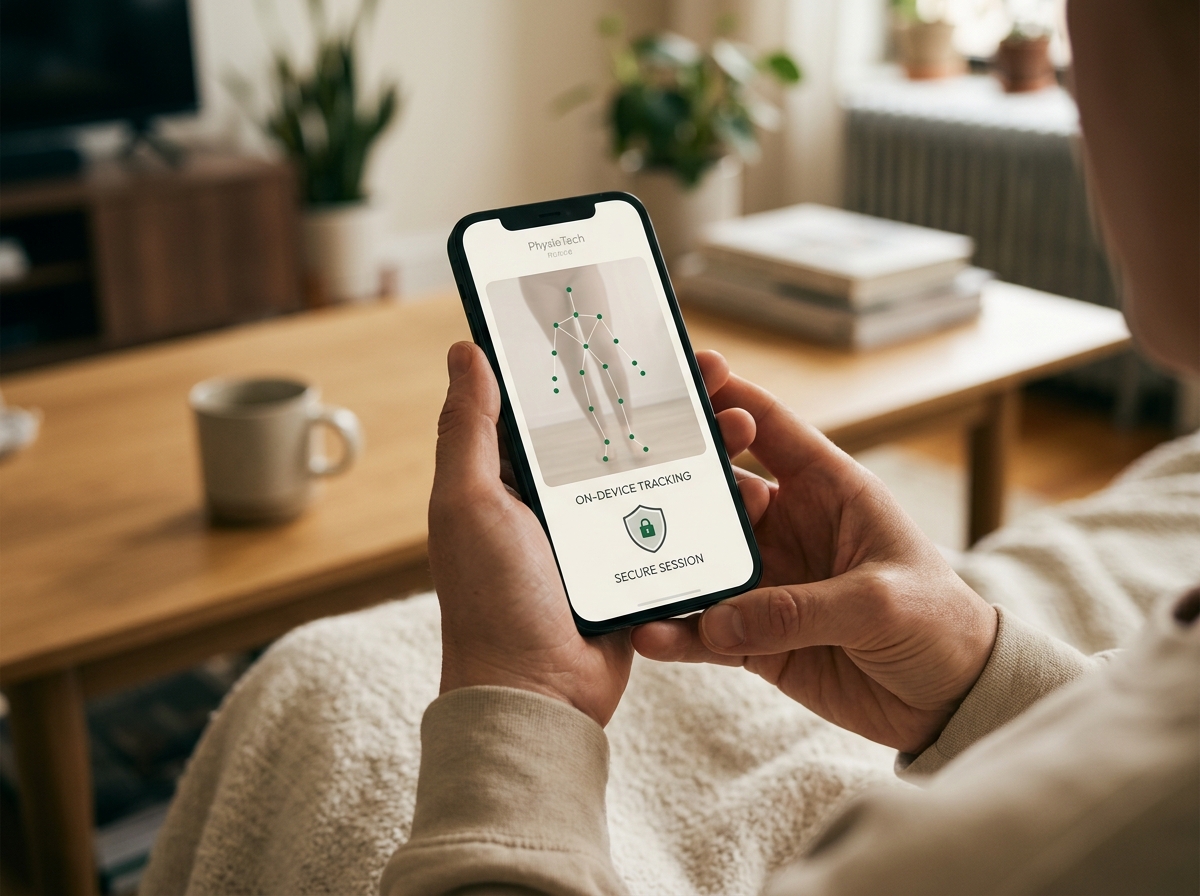
Guided movements with camera-based form feedback — rep count, range of motion, and cues when something needs adjustment.
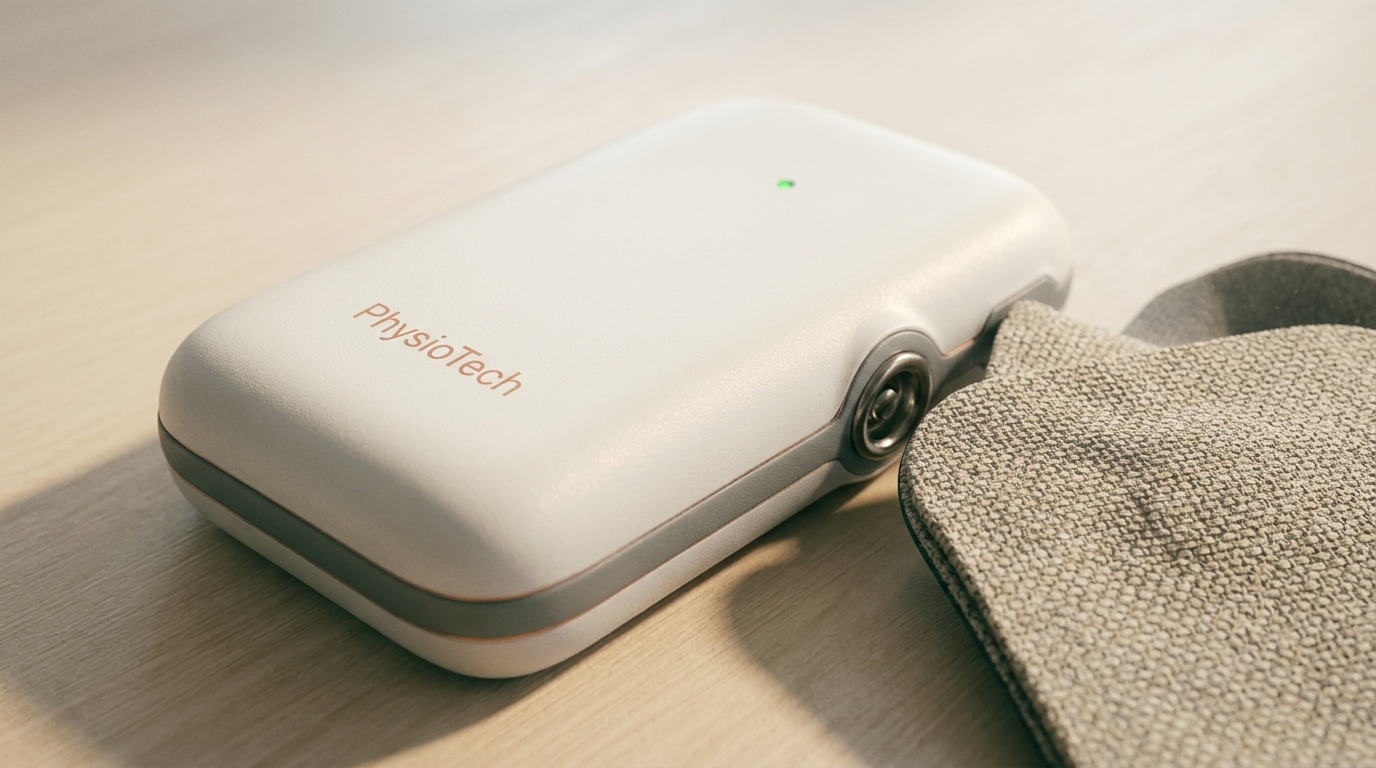
Clinician-set stimulation protocols on your portable unit — pain relief, strength, or nerve re-education, depending on your stage of recovery.
Short, plain-language articles and explainers about your condition, your device, and what to expect week by week — chosen by your clinician, not pulled from a random search.
Quick check-ins on pain, function, and progress so your clinician sees how you are doing between visits.
Simple to-dos — set up your space, charge your device, complete a motion baseline — so nothing falls through the cracks.
Your plan, not a Google rabbit hole.
Patient education
Education arrives inside the same app as your therapy — sequenced with your exercises and Tele Rehab check-ins.
What is happening in your body after injury or surgery; what good progress looks like; when to rest versus push.
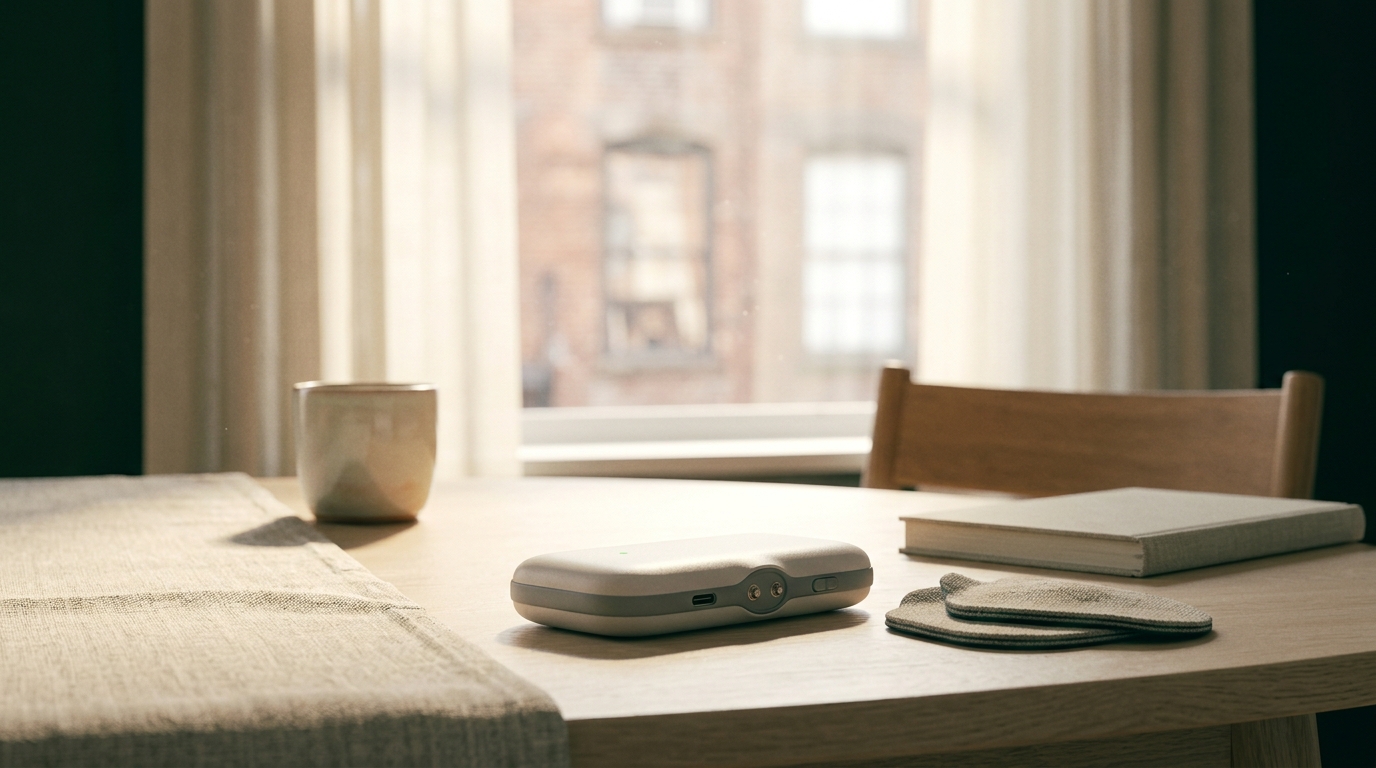
How to place pads safely; how to set up for a motion session at home; what the LED and app cues mean.
What this phase of rehab is for; common questions; when to message your clinician for a plan change.
Written in plain language — for you and anyone helping you at home.
Tele Rehab
How your clinician stays connected between visits.
Apply your TENS, EMS, or NMES unit and open today's tasks.
The app walks you through each session — device, motion, or education.
Progress syncs over Bluetooth. No paperwork.
Your clinician reviews adherence, motion data, and flags — then adjusts your plan remotely.
Caregivers
Caregivers and family members see the same simple story: what device to use, which exercises are due today, and which education piece explains the why. No medical-school vocabulary. No guessing.
Privacy & trust
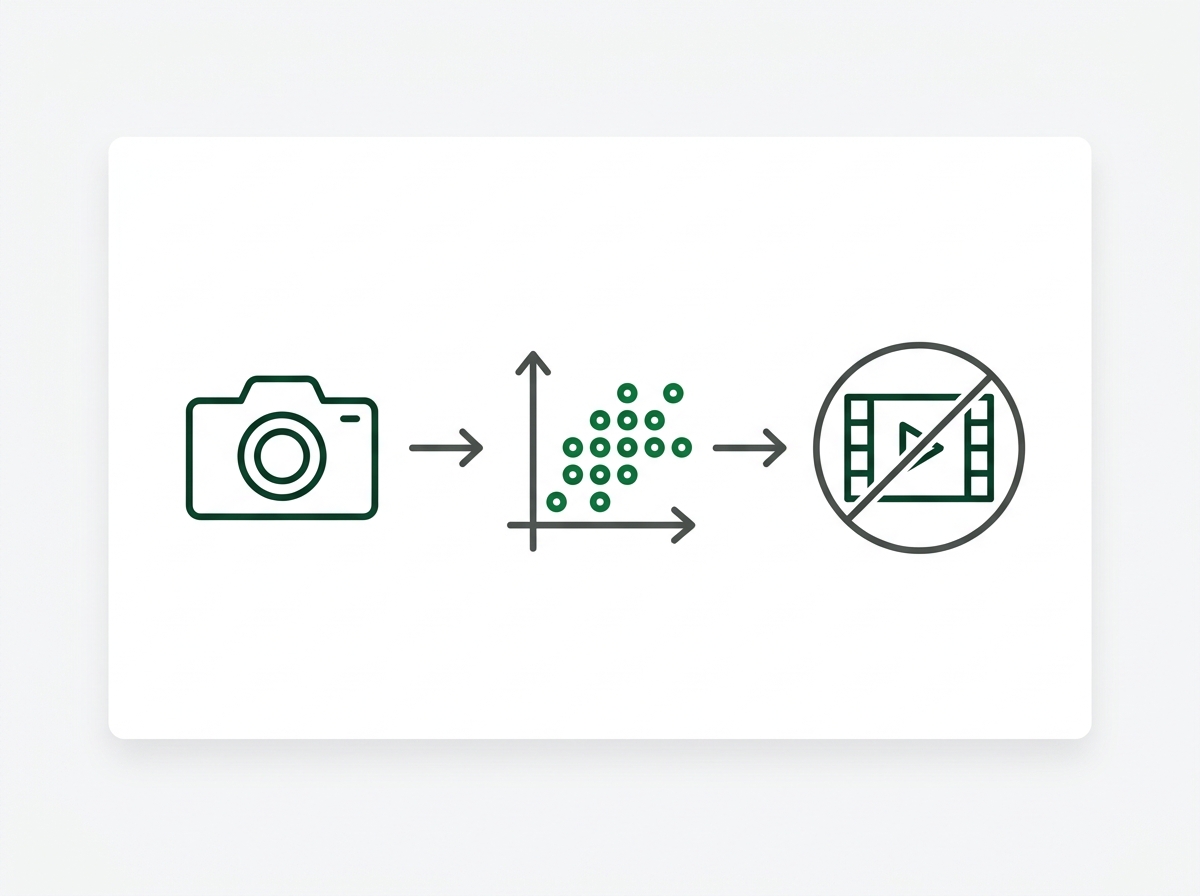
Motion analysis runs on your device — session video is not stored or uploaded. HIPAA compliant platform. AI assists your clinician; it does not replace them. FDA Cleared stimulation devices.